If you’re like me, you probably access the web over wireless, even free/public wireless. Don’t get your Facebook hacked over something simple. Take the 13 seconds and update this simple setting in your Facebook Account.
- Log into Facebook.
- Click on Account
- Choose Account Settings
- Under Account Security, click change.
- Enable the checkbox for Secure Browsing (https).
- Hit save.
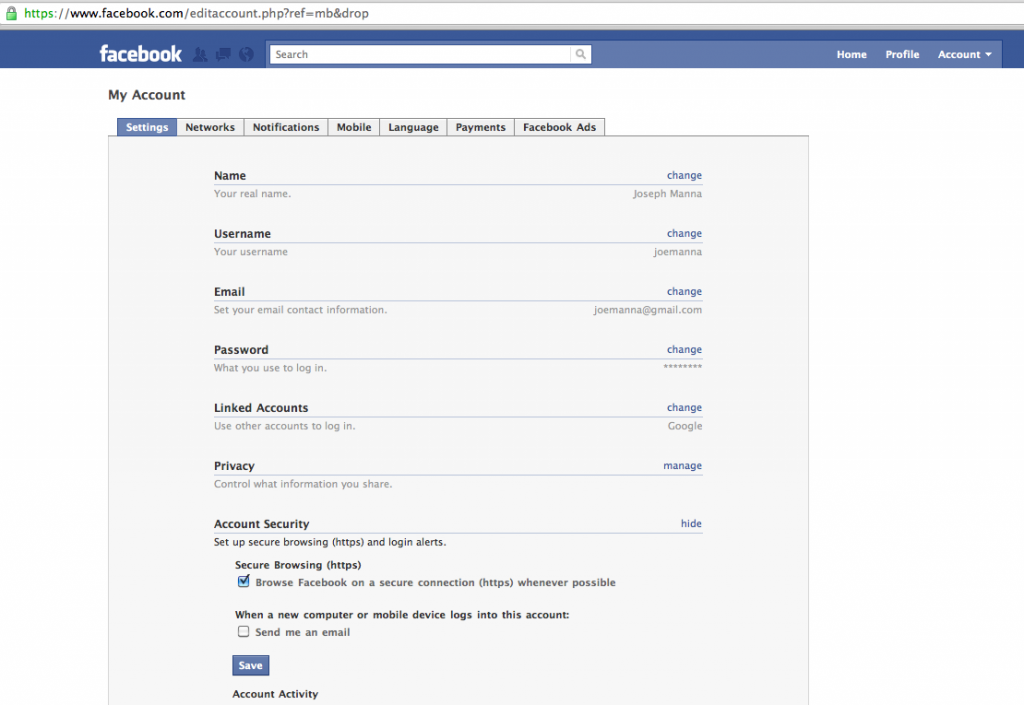
What this does do? It encrypts the connection for everything on Facebook so you don’t get your cookies sidejacked.
Image credit: Facebook, Inc.